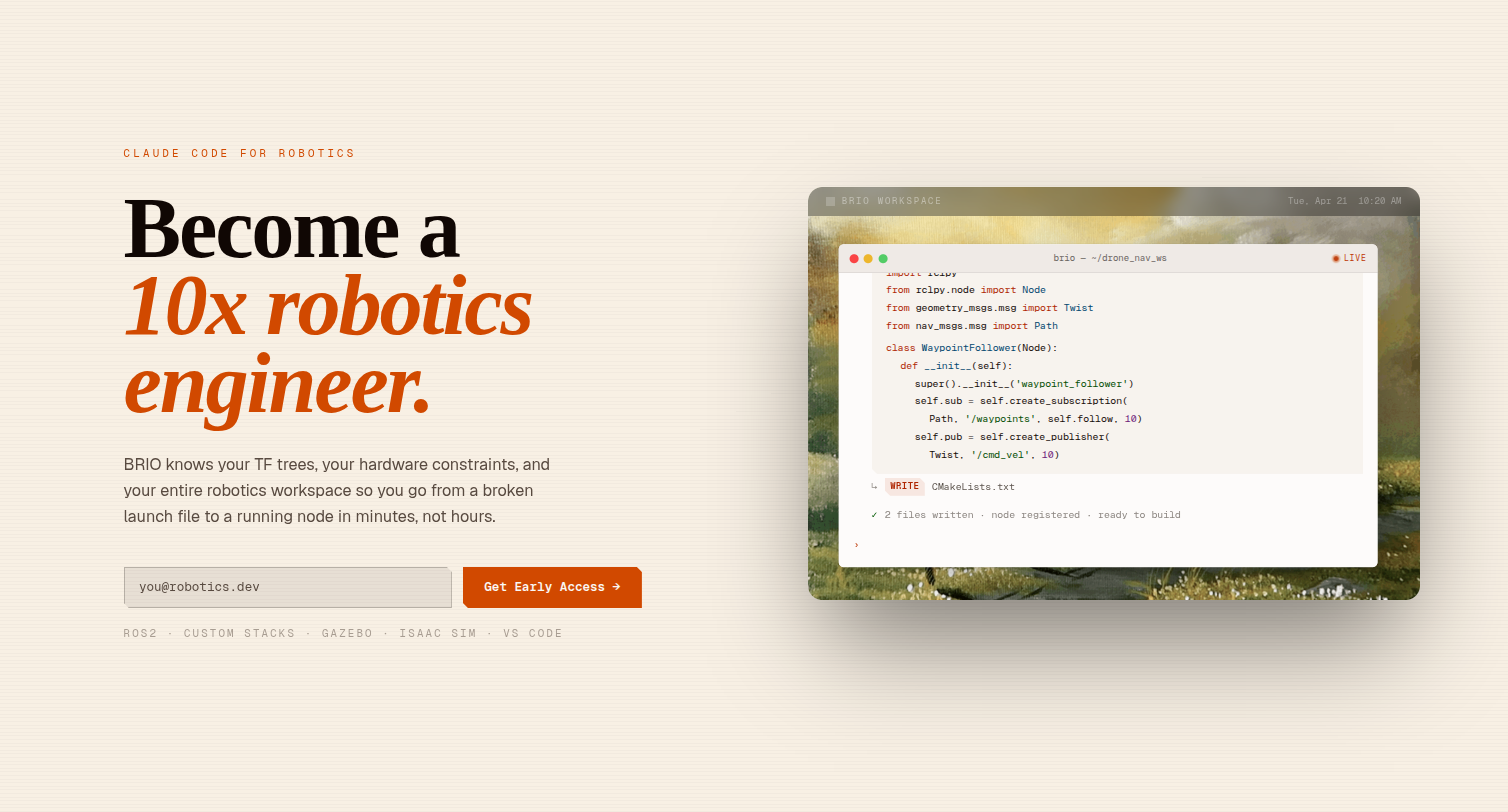
Welcome to BRIO
BRIO is the AI dev tool for robotics engineers.
It connects to your live ROS 2 environment, reads your active topic graph, transform tree, diagnostics, and hardware constraints, and reasons about your robot the way a senior teammate would — then writes, builds, and verifies code that runs on the actual machine.
What BRIO does
- Sees your robot, not just your code. Snapshots your live
workspace — TF tree, node list,
/diagnostics, custom message types — and feeds that state to a Claude-powered supervisor agent. - Knows your hardware by name. Jetson power envelope, carrier-board specs, sensor constraints, latency budgets. Generic AI doesn't know your 5V PAB requirement. BRIO does.
- Ships code that builds first try. Nodes with correct message types and QoS, launch files wired to your package, package config that matches your stack — generated, built, and verified against your real workspace.
- Closes the simulation loop. No more
Build → Launch → Observefor every line change. The agent runs the loop for you and digs through stdout when things crash. - Reasons over live robot state. An optional Jetson-side ROS 2
node streams
RobotState(TF + diagnostics + node list) so the agent sees what your robot is actually doing, not what your code says it should.
Who BRIO is for
Robotics engineers who are done losing days to problems that shouldn't take days:
- Solo engineers shipping client projects on tight timelines.
- Small teams that want the development velocity web devs take for granted.
- R&D groups building autonomous systems on ROS 2 — drones, ground vehicles, manipulators, naval platforms.
- Anyone tired of debugging async messages, chasing TF errors, and discovering that AI-generated code dies on the Jetson.
Get started
Install the CLI in one line:
curl -fsSL https://getbrio.dev/install.sh | bash
Then head to Installation for platform notes and Configuration to sign in and approve your device.